Classroom letters
Make bulletin board words, reading corner labels, and classroom display letters from any phrase.
Browser-only letter PDF maker
Make big letters to print from any word or phrase. Customize font, colors, paper size, and download a PDF with one large letter per page.
Example
Spaces group words in the guide page. Printable pages contain letters only.
Printable letter ideas
Use printable large letters for classroom displays, party banners, event signs, sale signs, and personal wall reminders. Each use case has a different visual goal, so the best font, paper color, and background color can change from one project to the next.
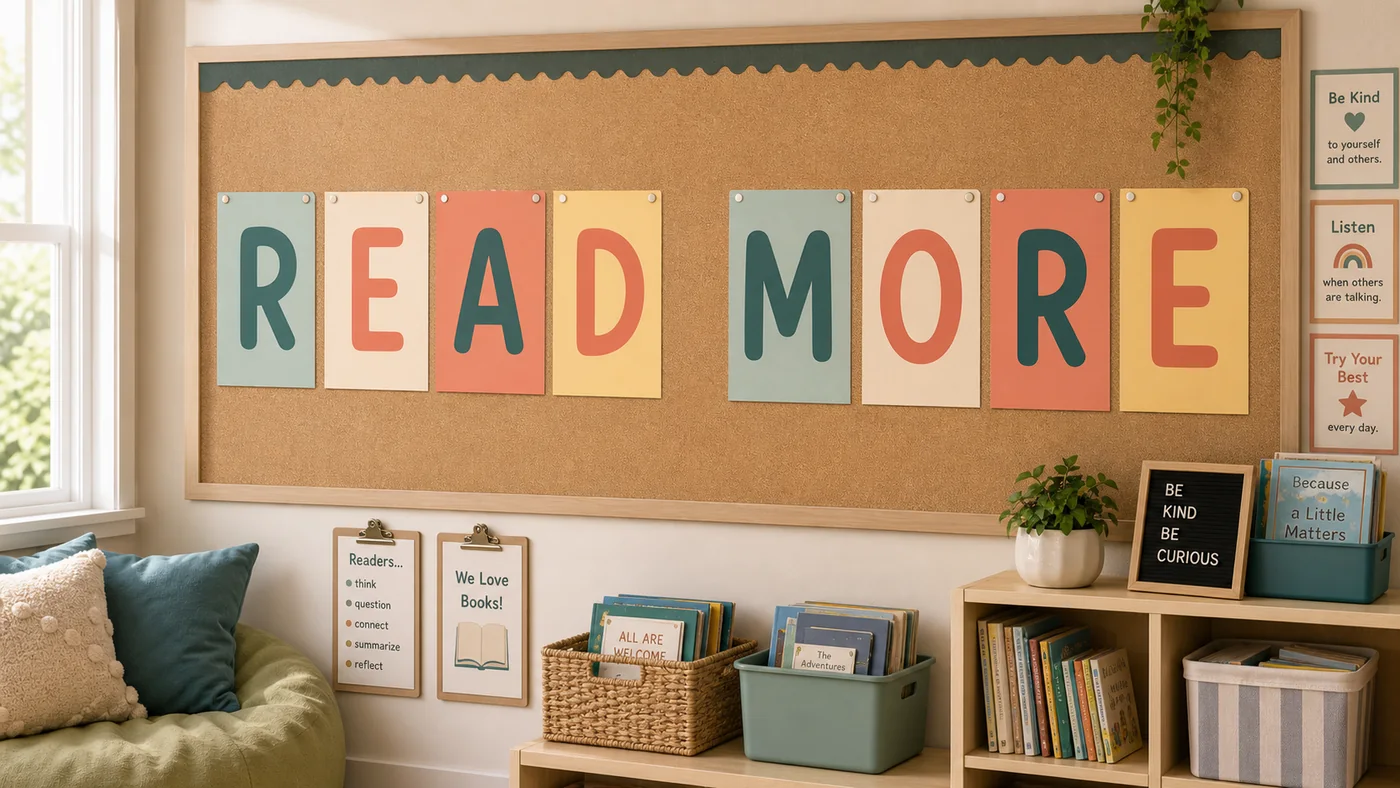
Make bulletin board words, reading corner labels, and classroom display letters from any phrase.
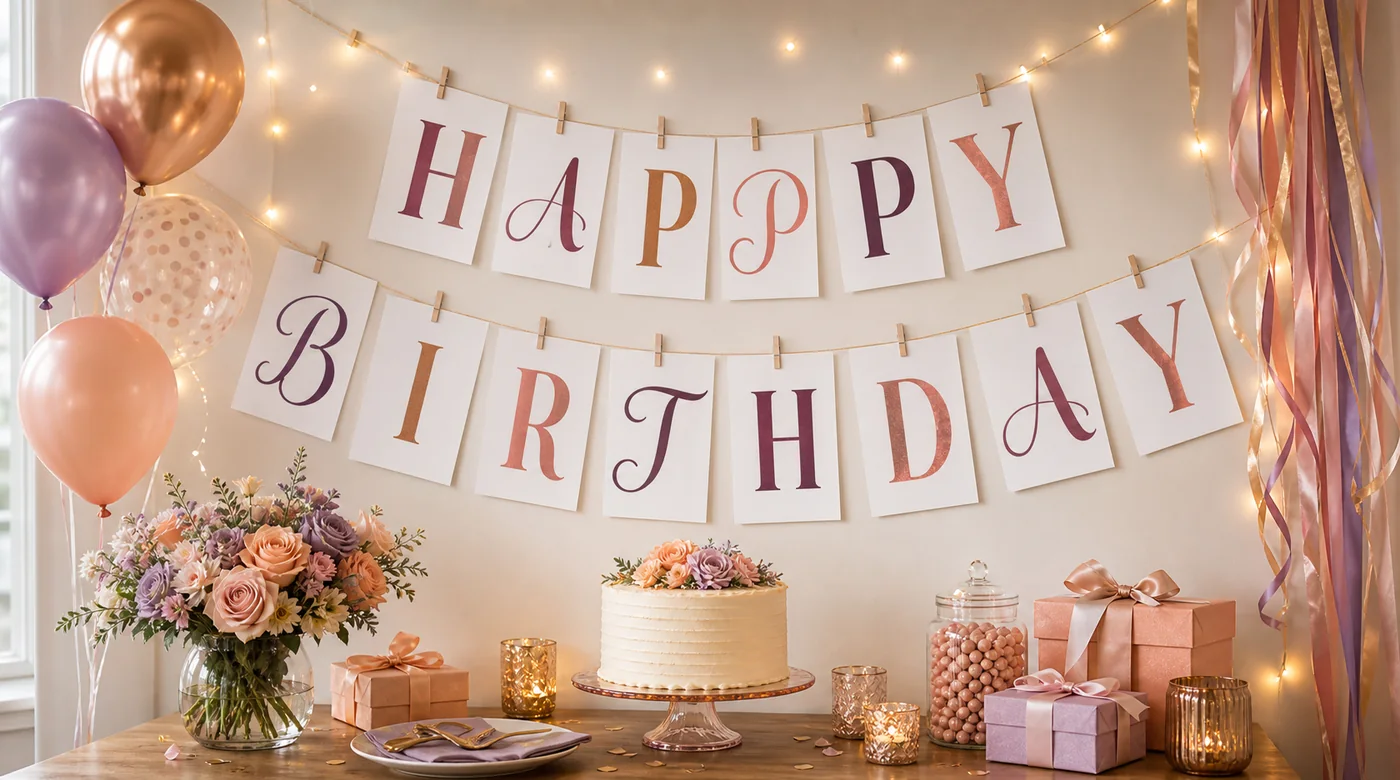
Print individual letters for birthdays, family parties, baby showers, and simple wall banners.
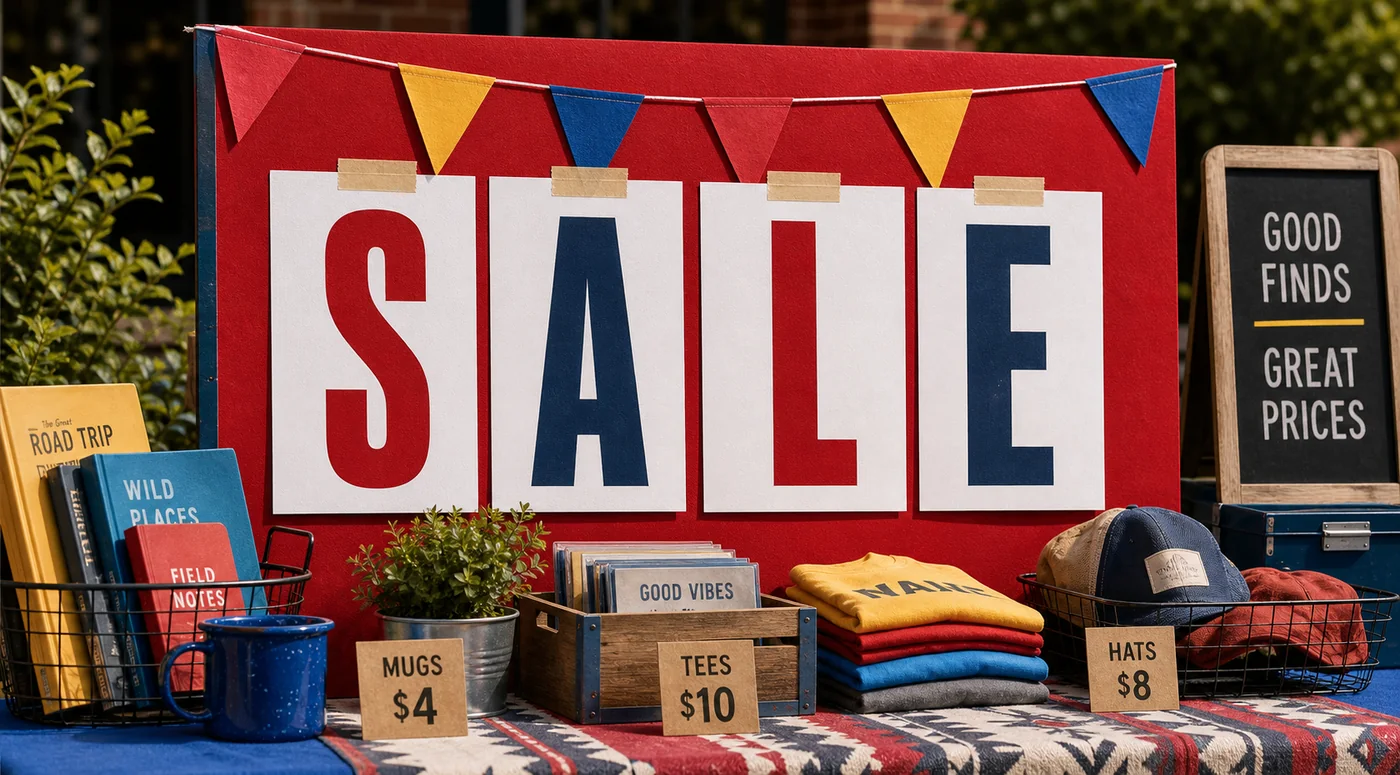
Create large readable sign letters for garage sales, open houses, school events, and table displays.
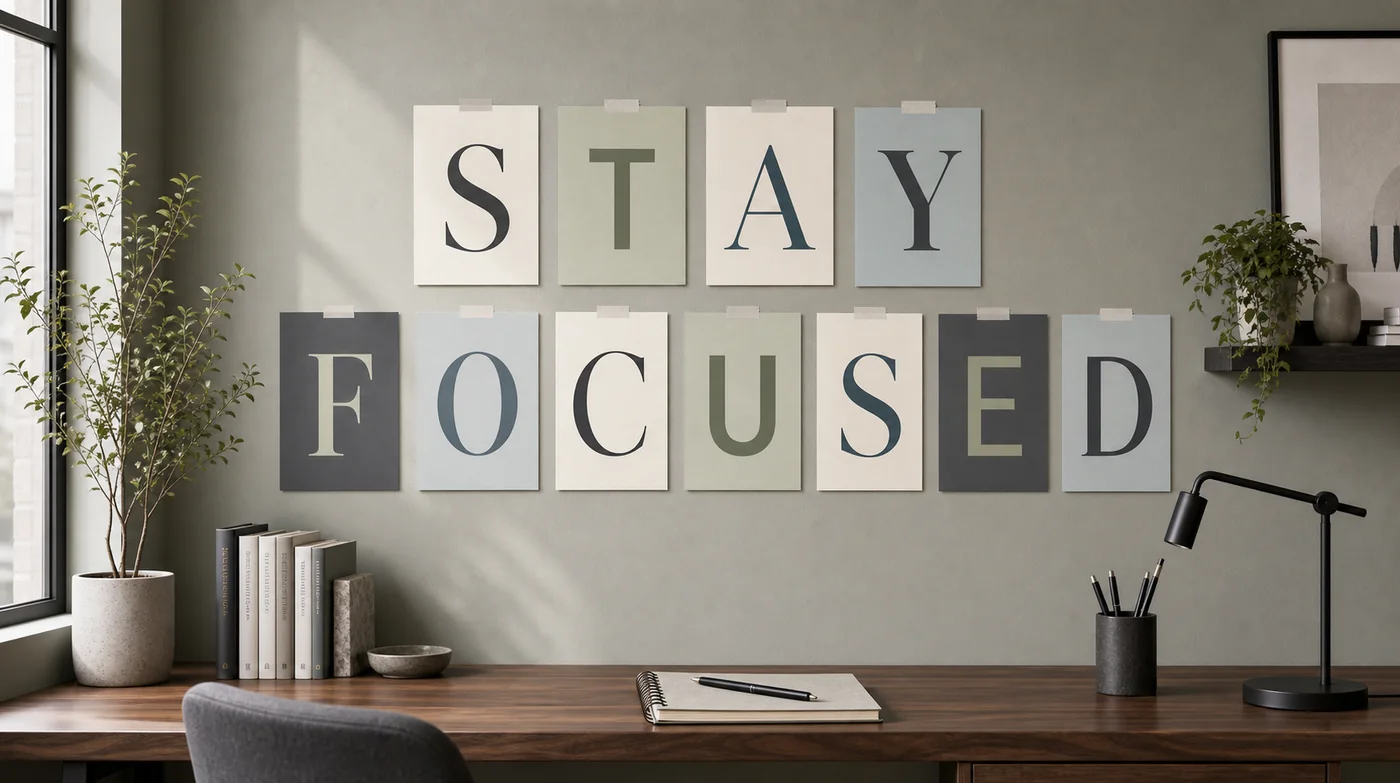
Turn reminders like STOP SMOKING or STAY FOCUSED into printable pages for a wall or workspace.
Quick workflow
The workflow is intentionally simple: type text, style it, download a PDF, then print at the correct scale. Use this printable large letter generator when you need large letters to print quickly without opening design software.
What this tool does
A printable large letter generator turns normal text into a set of printable pages. Instead of manually creating one document for every letter, you type a word or phrase once, choose the style, and export a PDF where each letter is already centered and sized for the selected paper. It is useful when you want large letters to print for a sign, banner, display board, or wall message.
This page focuses on simple printable large letters rather than complex graphic design. The output is intentionally practical: one large letter per page, a guide page at the front, and settings for font, color, paper size, and orientation. That makes it faster than building printable banner letters in a slide deck or word processor, especially when a phrase has many characters.
The tool runs in your browser and does not need an account. Your phrase is used locally to create the PDF, and spaces are treated as word separators instead of blank pages. That means a phrase such as HAPPY BIRTHDAY or STOP SMOKING stays organized in the preview while the PDF only contains the actual letters you need to print.
Classroom and school
Teachers often need printable classroom letters for bulletin boards, reading corners, hallway displays, alphabet activities, and student work walls. A printable large letter generator makes this easier because every letter keeps the same size and baseline. You can type READ MORE, SCIENCE FAIR, WELCOME BACK, or a subject label, then print the letters on A4 or Letter paper. Rounded fonts and bright colors usually work well for classroom displays because they are readable from across the room and feel more friendly than a plain document font.
Party and events
Printable banner letters are useful for birthdays, baby showers, graduation walls, holiday parties, family events, and office celebrations. Instead of downloading a fixed alphabet set, you can create the exact phrase you need. Type HAPPY BIRTHDAY, CONGRATS, WELCOME HOME, or a guest name, then choose a decorative font and softer colors. After printing, clip the pages to string, tape them to a wall, or mount them on colored paper for a more finished banner.
Signs and sales
When you need large letters to print for a sale table, school event, open house, market booth, or community notice, readability matters more than decoration. Use short words such as SALE, OPEN, INFO, CHECK IN, or PICK UP. Choose a condensed or heavy font, use high contrast between text and background, and keep the message simple. One-letter-per-page printing helps the sign stay readable at a distance even when you only have a normal home or office printer.
Wall words
Printable large letters can also work as wall words for personal goals, fitness spaces, work studios, dorm rooms, and home offices. Phrases like STAY FOCUSED, STOP SMOKING, KEEP GOING, or START TODAY are short enough to print and arrange cleanly. A calmer serif font, muted colors, and consistent spacing can make the message feel intentional instead of temporary. The guide page helps you keep the phrase order clear while assembling the final wall display.
Print settings
The PDF is designed for practical printing, but the final result still depends on printer scale, paper choice, and how you assemble the pages.
PDF layout
The downloaded PDF starts with a guide page. This page shows the complete phrase, the number of printable letter pages, and a simple reminder to print at Actual Size or 100%. The guide page is especially helpful for printable banner letters because long phrases can be easy to mix up after printing.
After the guide page, each non-space character gets its own page. The letter is centered, scaled to fit the paper, and rendered with the font and colors you selected. If you choose landscape orientation, the printable area becomes wider, which can work well for wide letters or short display words. Portrait orientation usually creates taller letters and is useful for wall signs or classroom boards.
For clean results, print one sample page first. If the letter looks too close to the edge, switch orientation, try a different font, or choose a smaller visual style. When exact size matters, avoid Fit to Page and choose 100% in the print dialog. This keeps large letters to print consistent across every page in the PDF.
Related tools
Need to make a poster from an image instead of text? Use the main Block Poster Maker to split one image across multiple pages.
Common questions
Yes. The printable large letter generator creates one printable PDF page for each non-space character. If you type STOP SMOKING, the PDF includes separate pages for S, T, O, P, S, M, O, K, I, N, and G.
Yes. Printable banner letters are one of the best uses for this tool. Type a birthday message, classroom phrase, sale sign, or event label, then print the generated pages and arrange the letters on a wall, string, board, or table display.
Yes. You can make large letters to print on US Letter or A4 paper, and you can choose portrait or landscape orientation. Letter is common for home printers in the United States, while A4 works well for classrooms, offices, and international printers.
Yes. Choose a browser-safe font, text color, and background color before downloading the PDF. A bold font is best for readable printable large letters, while softer colors can work well for classroom displays, party banners, or motivational wall words.
No. Spaces group the phrase into words in the guide page and live preview, but they do not create blank PDF pages. This keeps printable banner letters compact and avoids wasting paper.
Yes. Print at Actual Size or 100% for predictable letter size and consistent pages. Avoid Fit to Page when exact letter size matters, because the print dialog may shrink each page slightly.